
Spreadsheets are one of the most useful business tools ever made. But when a spreadsheet becomes the system that runs a critical process, it can quietly create risk, errors and wasted hours.
Seven signs it's time for an app
- Several people edit the same file. Version conflicts, overwritten data and "which copy is current?" become daily problems.
- Approvals happen by email. Requests get lost, and no one can see what is waiting on whom.
- The same data is typed more than once. Re-keying information into other systems wastes time and introduces errors.
- Only one person understands it. Complex formulas and macros become a single point of failure.
- You need to control who sees what. Spreadsheets make it hard to limit access to sensitive rows or fields.
- You need an audit trail. Auditors and managers want to know who changed what, and when.
- Staff work in the field. Mobile data entry, photos and signatures are awkward in a spreadsheet.
What a low-code app changes
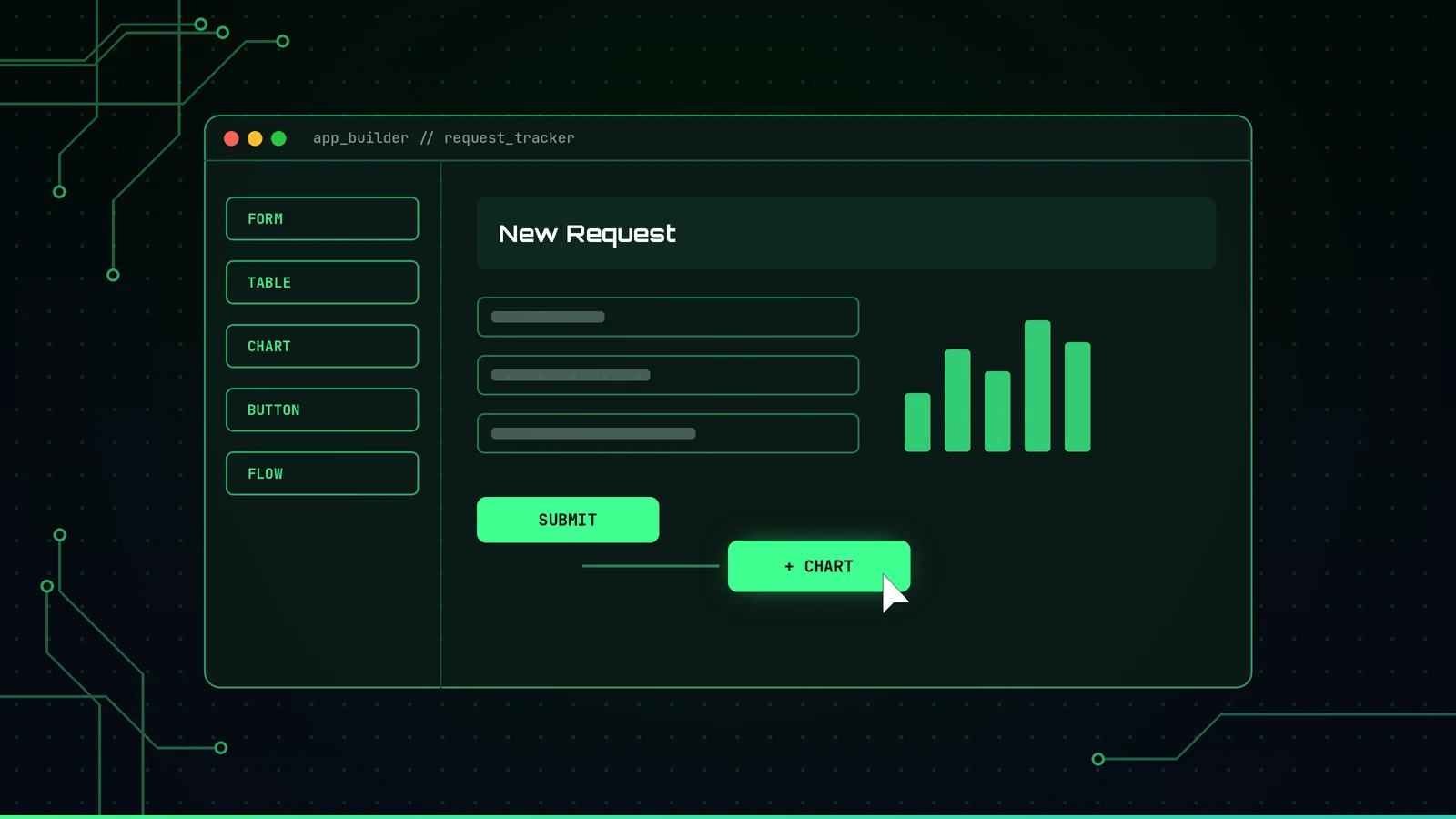
Low-code platforms such as Microsoft Power Apps let you build real business applications much faster than traditional development. A typical replacement includes:
- A simple form for entering data on a computer or phone
- A proper database, such as SharePoint lists or Dataverse, instead of a file
- Automated approvals and notifications with Power Automate
- Role-based security so people see only what they should
- Dashboards in Power BI for real-time reporting
- A history of changes for accountability
Many organizations that already use Microsoft 365 have access to some of these tools through their existing licenses. Check licensing before you commit.
How to make the switch safely
- Fix the process first. Map how the work really flows and remove unnecessary steps. Automating a broken process only makes mistakes faster.
- Start small. Pick one high-value process and build a first version quickly.
- Involve the people who do the work. Review a prototype with real users before building everything.
- Govern the platform. Set up environments, data loss prevention policies and security roles.
- Migrate and verify the data. Clean up the spreadsheet, move the data and confirm it matches.
- Document and train. Make sure your team can support and improve the app.
When a spreadsheet is still fine
Not every spreadsheet needs to become an app. One-off analysis, personal tracking and simple lists are often best left alone. The time to switch is when the spreadsheet has become the system your business depends on.